

Blogs
Why most of the time IT asks to “Restart” the machine

Most organizations & companies use & based on Windows environment.
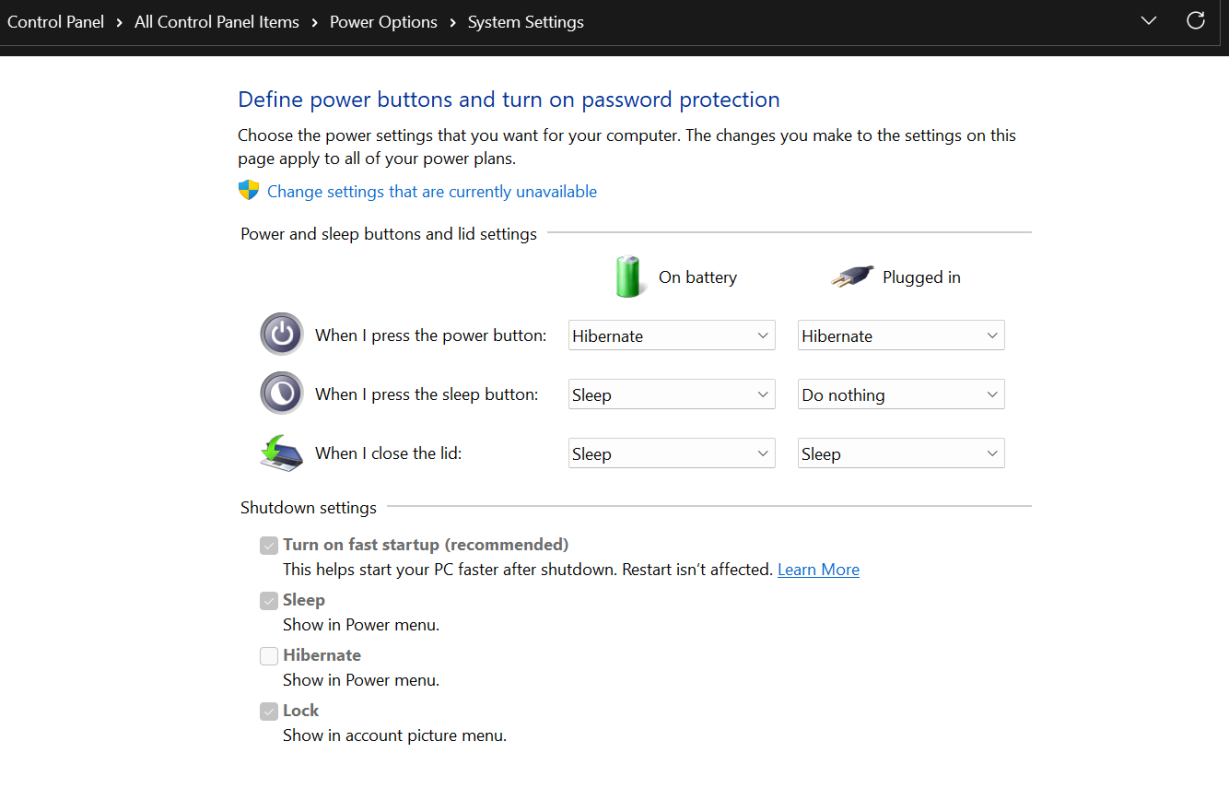
In Windows there is a default option called “Fast Startup”, normally this is enabled & helps to start the device faster than ususal.
But with this option whenever a user shutdown the machine through normal way, the device won’t go for a proper shutdown, instead it goes for a deep hibernation scenario & helps to boot faster next time.
So, with this option enabled users need to hold & press the shift key while doing the shutdown to get the proper process of shutting down.
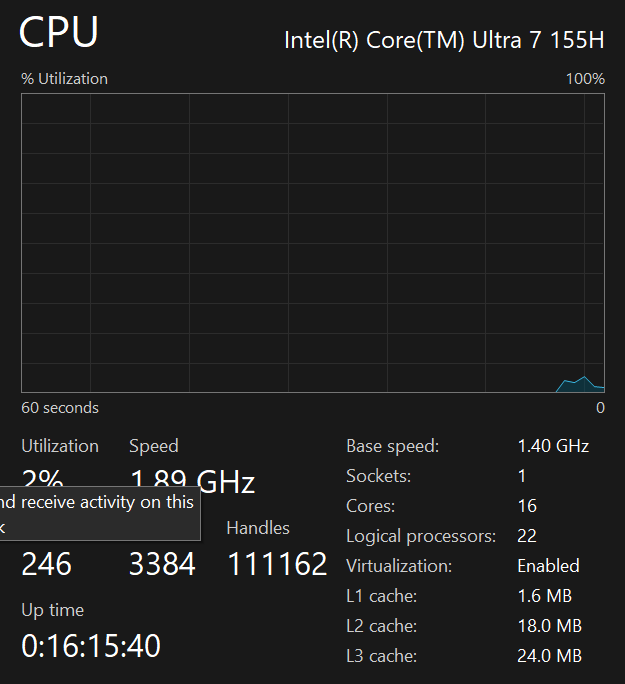
Normally when users having problems with applications, internet, lagging & functions not working properly what IT person does is go to the Task Manager & check the CPU uptime. If it is like more than 5 days or so, then it’s better to do a restart & check those issues again. When CPU uptime is high it’s like a human working continuously without getting a proper sleep.
This mostly has an impact on Laptops & below 8th Gen Devices. Newer devices can have much more CPU uptime compared to older versions.
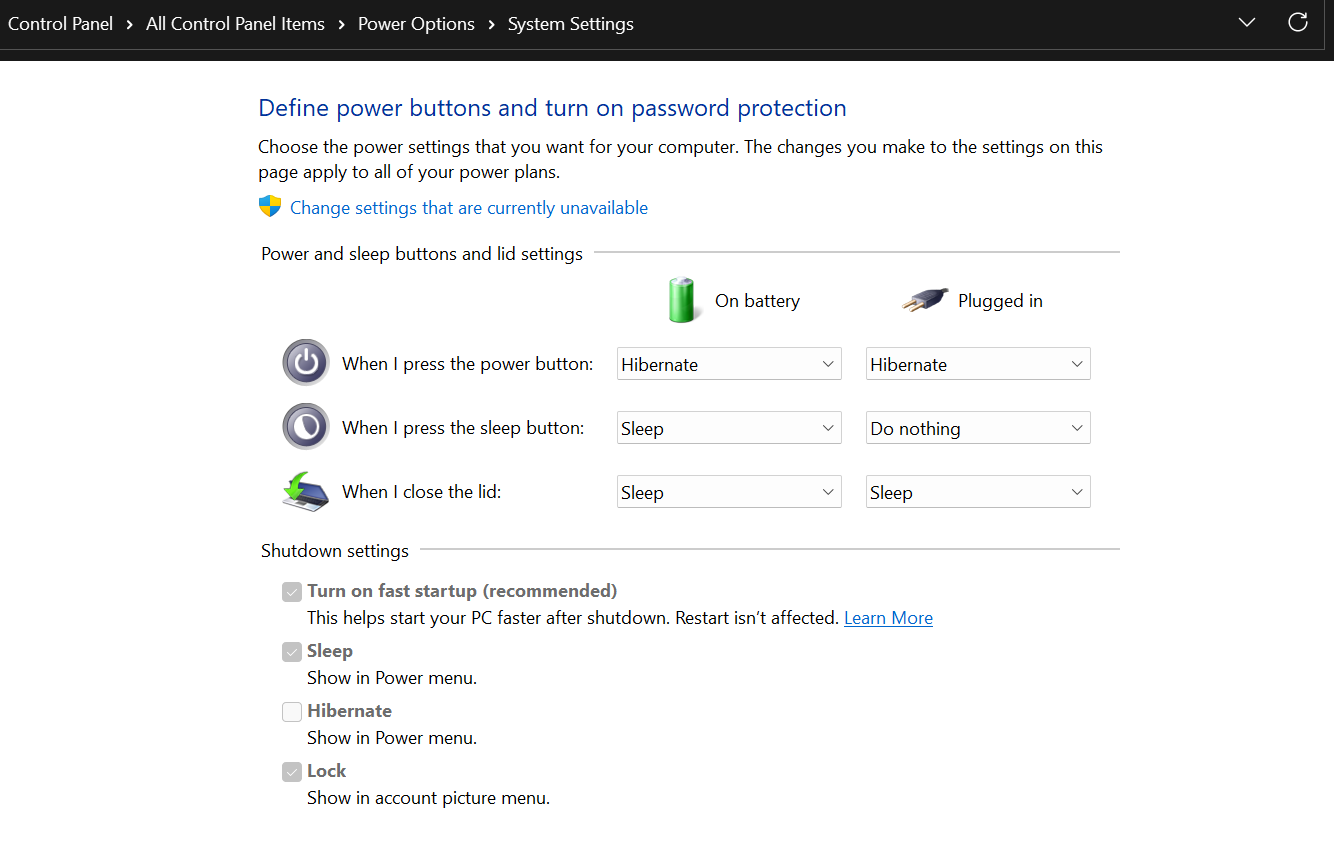
Because of the above scenario people think that IT people always ask to restart the machine without checking or having a proper inspection. But the truth is different. I have attached all the relevant screenshots below for the reference.